Tracking your expenses shouldn’t feel like a second job. Yet for most people, it does.
Receipts pile up. Spreadsheets get ignored over time. At the end of the month, the same question remains:
“Where did my money actually go?”
If that sounds familiar, you’re not alone. Most people underestimate their monthly spending and overestimate their ability to track it manually. The result? Missed savings opportunities, budget stress, and zero financial clarity.
In this guide, you’ll learn how to track your expenses automatically, why manual methods fail, and how automation helps you take control of your finances — without spreadsheets, discipline, or guesswork.
Why Manual Expense Tracking Fails
Most people start with good intentions.
They build their own spreadsheet, or they download one from the internet. They promise themselves they’ll log everything.
And then life happens.
Manual expense tracking almost always breaks down because it relies on constant effort instead of smart systems.
Here’s why it doesn’t work long‑term:
- You forget to log purchases (especially small ones)
- Categories become inconsistent and messy
- Reviewing data takes too much time
- Motivation drops after a few weeks
- Insights are hard to extract manually
The biggest issue isn’t laziness — it’s cognitive load. When tracking your finances requires daily decisions and actions, consistency eventually disappears.
Systems beat discipline.
That’s where automation comes in.
What Is Automated Expense Tracking?
Automated expense tracking removes manual work from the process.
Instead of recording every transaction yourself, an automated system works with your existing bank data to do the heavy lifting for you.
With automated expense tracking, you can:
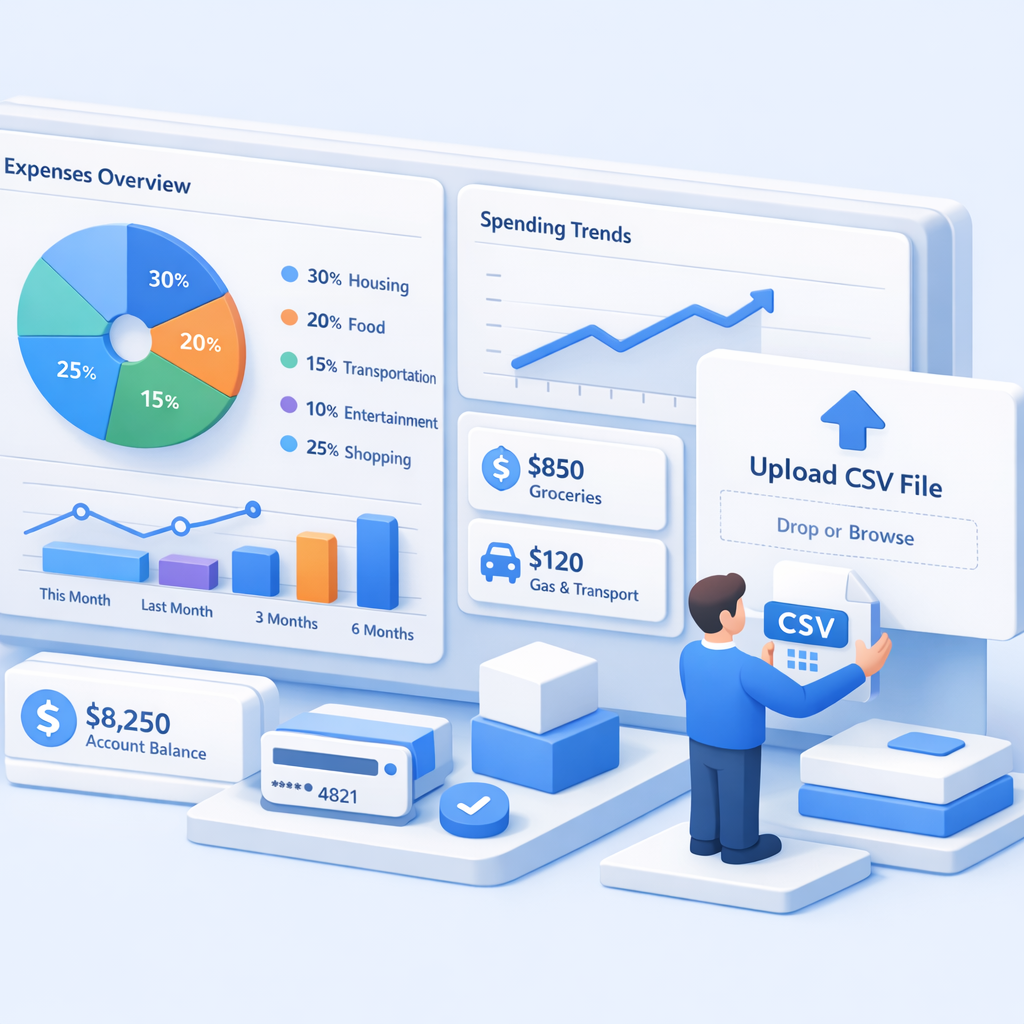
- Upload your bank transactions (CSV files)
- Automatically categorize spending
- See clear breakdowns of where your money goes
- Spot patterns and waste instantly
- Track spending trends over time
Instead of guessing or relying on memory, you get real, data‑driven insight into your finances — with minimal effort.
Why Automated Expense Tracking Works Better
Automation works because it aligns with how people actually behave.
You don’t need to remember to log expenses. You don’t need to be “good with numbers.” You don’t need to be perfect.
Once your data is in the system, it keeps working in the background.
This means:
- Consistency improves automatically
- Insights become visible immediately
- Financial awareness increases without effort
Most people don’t need stricter budgets — they need clear visibility.
Step‑by‑Step: How to Track Expenses Automatically
1. Export Your Bank Transactions
Most banks allow you to export transaction data in CSV format.
Popular banks that support this include:
- Revolut
- N26
- AIB
- Bank of Ireland
- Deutsche Bank
You can export transactions weekly, monthly, or whenever you prefer. The process usually takes less than two minutes and doesn’t affect your bank account in any way.
2. Upload Your Data to an Expense Tracking Tool
Once you have your transactions, upload them to a tool like ExpenseAutomator.
ExpenseAutomator will:
- Import your bank data securely
- Automatically categorize transactions
- Clean and structure your spending data
This removes the most time‑consuming and error‑prone part of expense tracking.
3. Analyze Your Spending Instantly
As soon as your data is processed, you’ll be able to see:
- Exactly where your money goes
- Your biggest expense categories
- Recurring charges and subscriptions
- Spending trends over time
- Opportunities to save more
Instead of raw numbers, you get clear insights you can actually act on.
What You Should Track to Get Real Insight
To understand your finances properly, focus on these core areas:
Fixed Costs
Expenses that stay roughly the same every month:
- Rent or mortgage
- Utilities
- Insurance
Variable Spending
Categories where habits matter most:
- Groceries
- Dining out
- Shopping
- Transport
Subscriptions
Often overlooked and underestimated:
- Streaming services
- Software tools
- Memberships
Many people discover they’re paying for services they no longer use.
Savings
Tracking savings alongside expenses helps you see progress and adjust goals realistically.
Common Mistakes When Automating Expense Tracking
Even with automation, there are a few pitfalls to avoid:
- Over‑categorizing expenses (simplicity wins)
- Uploading data but never reviewing insights
- Ignoring small recurring charges
- Tracking once, then stopping
Automation works best when paired with regular review — even once a month makes a difference.
Final Thoughts: Expense Tracking Is About Awareness
Tracking expenses isn’t about restriction or guilt.
It’s about awareness.
When you can clearly see where your money goes:
- Better decisions happen naturally
- Saving becomes easier
- Financial stress decreases
You don’t need perfection — you need visibility.
🚀 Start Tracking Your Expenses Automatically
In less than five minutes, you can see exactly where your money is going — without spreadsheets or manual work.
Start tracking your expenses for free with ExpenseAutomator and finally take control of your finances with clarity and confidence.